Colour profiles and reports for your whole team
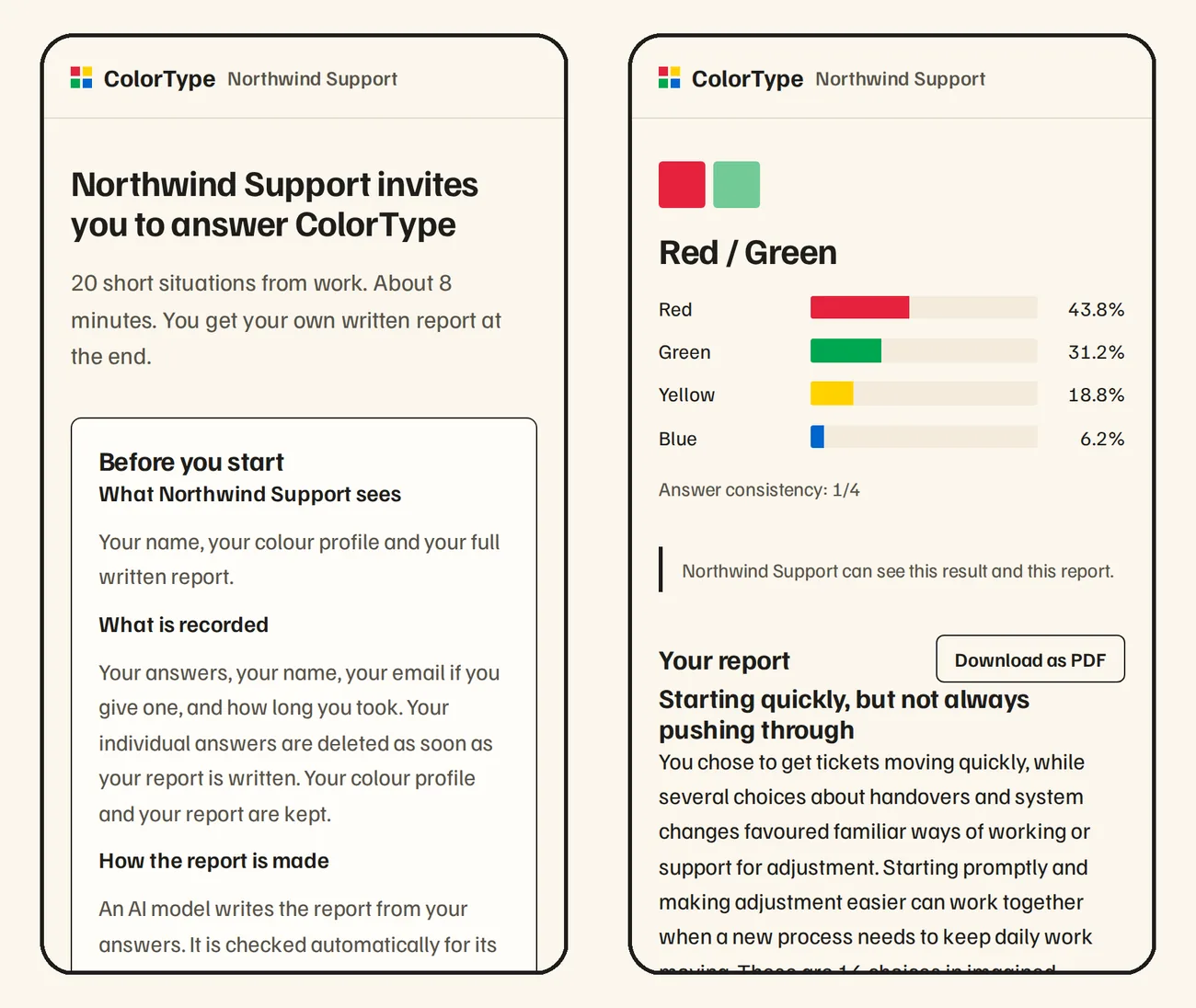
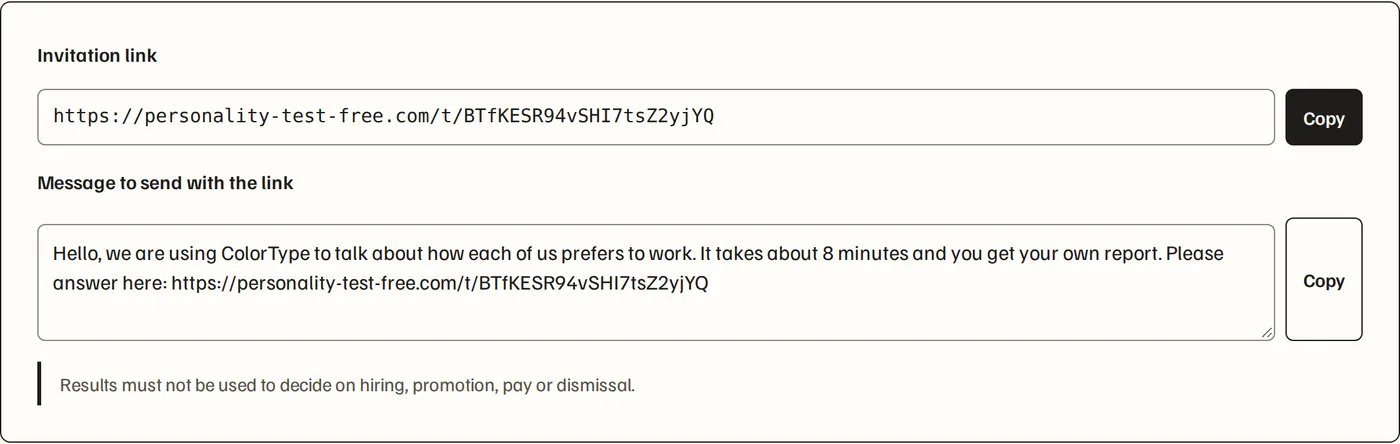
Send one link. Each person answers about 20 short work situations and gets their own written report, in 40 languages. You see the team picture, and only what you chose to see per person. People are told that before they start.
What makes it different
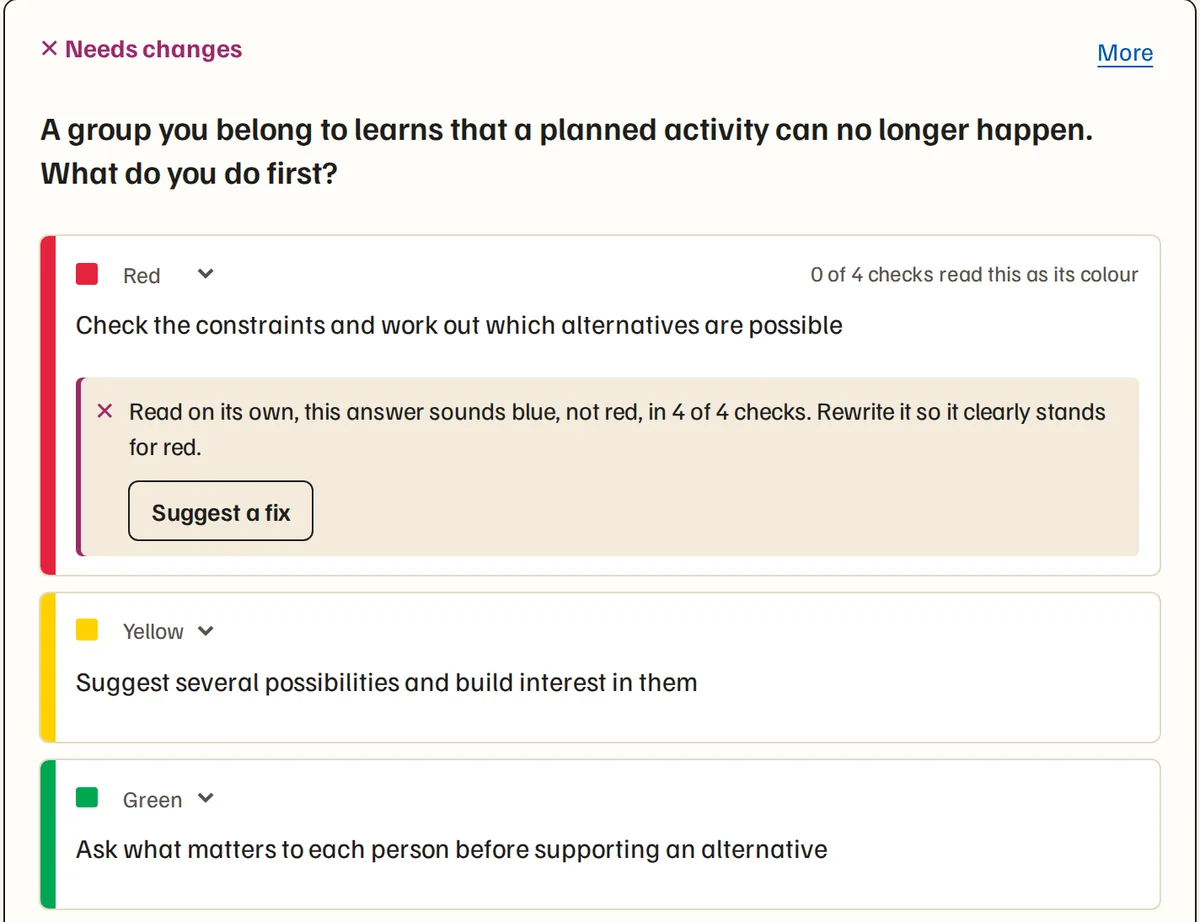
- Your own situations, checkedUse the 21 standard questions, or describe your team and let AI draft situations from your work. Two AI models check that every answer stands for its colour and that no answer is the obvious one.
- Private by defaultResults are not public. Each person sees their own report; you see what the round allows. Individual answers are deleted once the report is written.
- For conversations, not decisionsThe results describe preferences in imagined situations. They are not a validated test and must not be used for hiring, promotion or pay.
How it works
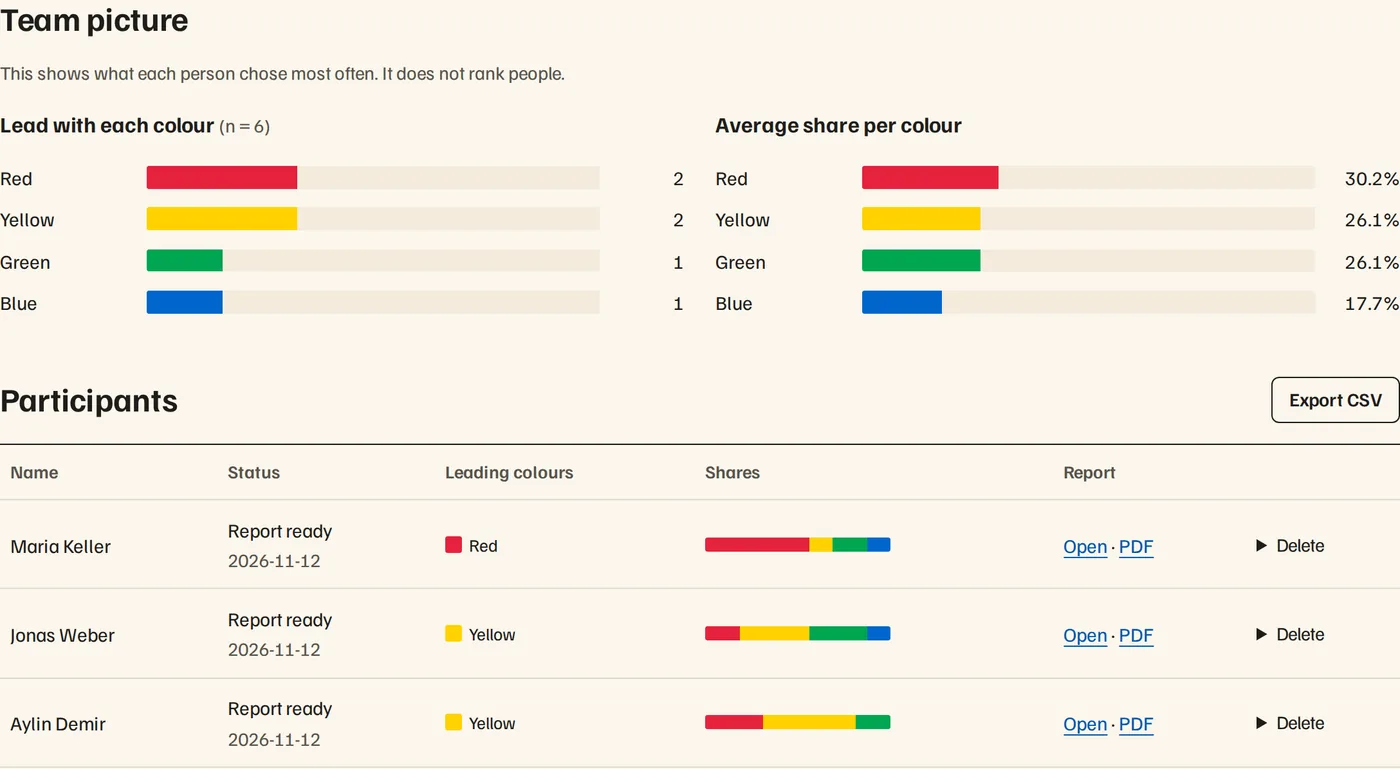
For reflection and team conversations, not for decisions about hiring, promotion or pay.
Report credits
One credit is one finished report. Starting costs nothing, and people who do not finish use no credit. Your first 30 reports are free.
- 10 reports $72
- 25 reports $160
- 50 reports $280
- 100 reports $480
One-time card payment through Stripe, in USD. You receive a code by email and enter it in your workspace. Need more than 100, or an invoice? Write to hello@personality-test-free.com.
Payment could not be opened. Try again.
Questions
Do participants need an account?
No. They open your link, read what you will see, and answer. They can give an email address if they want their report as a PDF.
Is this a validated psychological test?
No. It describes workplace preferences in four colours, a framing common in coaching, but there is no published reliability or norm data. Treat results as a starting point for conversations.
Can we use our own questions?
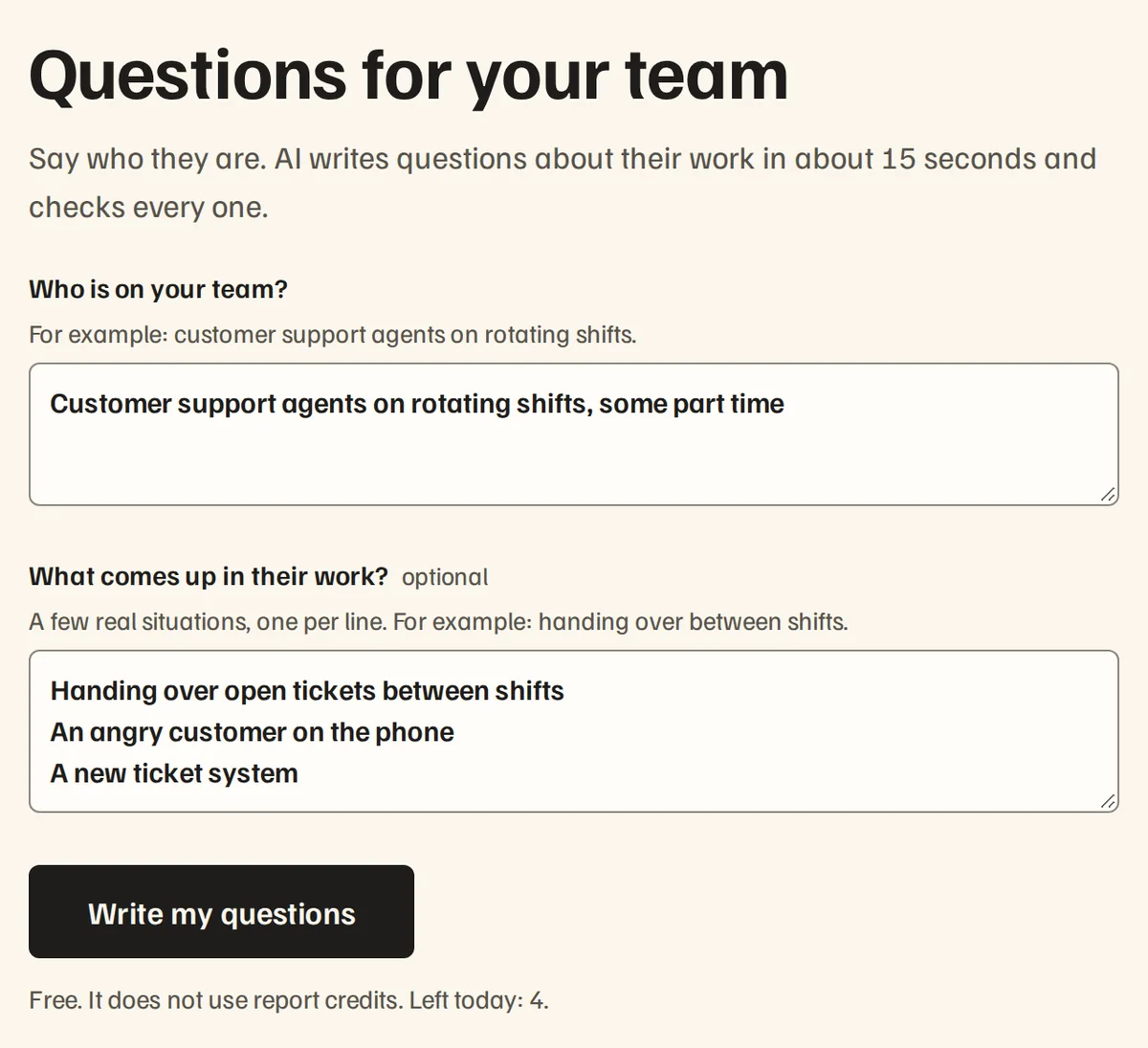
Yes. Describe who will answer and a few real situations. AI drafts the questions, you edit them, and every answer is checked before you can publish the set.
What exactly do I see?
You choose per round: each person's colour profile and report, the colour profile only, or only a team picture with no names.
Which languages?
Participants can answer and read their report in 40 languages. The organiser screens are in English and German.
How long are results kept?
Until 12 months after a round closes, or until you delete them. You can delete a person, a round or your whole workspace at any time.
Try it with your team
Sign in with your work email. Your first 30 reports are free.